
Straightforward setup, kept in sync
Connect Workia to SAP SuccessFactors and keep your mobility data aligned with your HR source of truth. Employee records sync directly into Workia when you initiate a move — helping mobility teams reduce manual admin, avoid data inconsistencies, and stay confident in their case data at every stage of the mobility process.

Paste the credentials from your SAP SuccessFactors tenant. Setup takes minutes.
Easy configuration
Connect Workia to SAP SuccessFactors using your organisation's SAP credentials (your IT team will provide these). Once enabled, the integration runs securely in the background — with no ongoing admin or manual syncing required.
Retrieve employee data
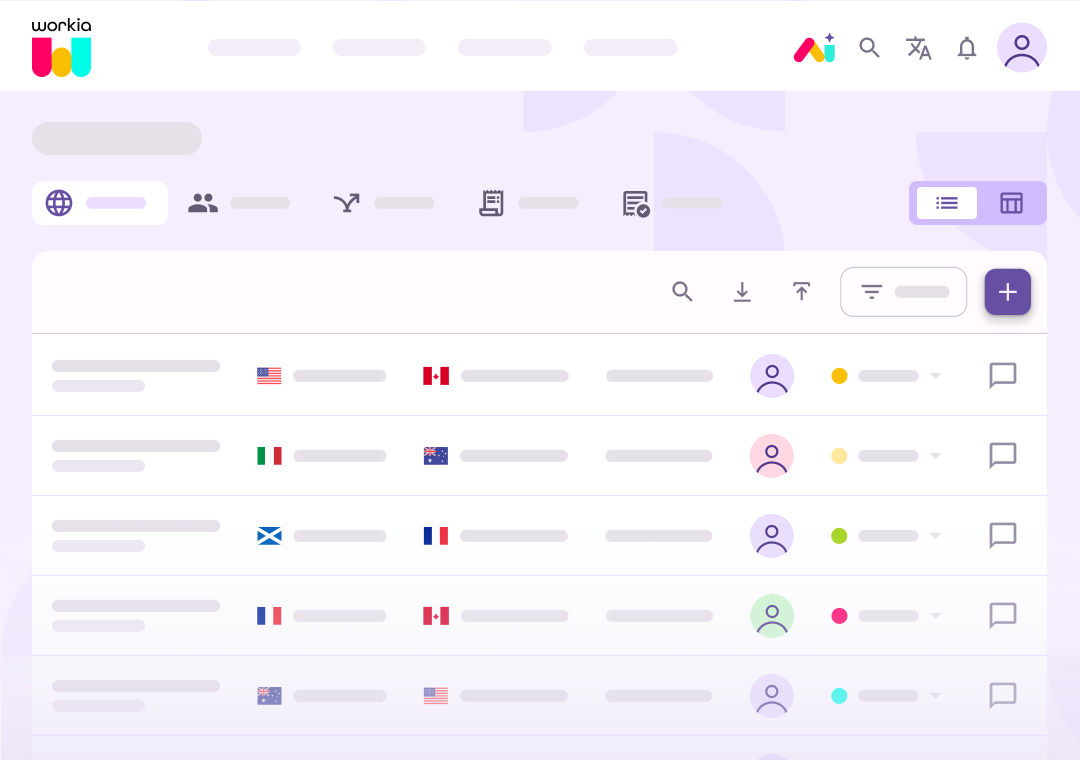
Search and select employees from SAP SuccessFactors when creating a new case in Workia. Key details — including job information, organisational structure and base salary — are pulled directly into the case, reducing manual entry and keeping your mobility data aligned with your HR system.
All the tools for connected mobility data
Quick integration setup
Add SAP SuccessFactors credentials and connect — setup takes just minutes.
Pull data into cases
Import employee details instantly when creating a new case.
Reduce admin effort
Eliminate manual data entry and the risk of outdated information.
Lightweight and low maintenance
No custom configuration or ongoing upkeep required — it just works.
Always accurate
Ensure your mobility records stay in sync with your HR source of truth.
Org structure preserved
Reporting lines, cost centres and managers come through exactly as they sit in SuccessFactors.
Ready to make global mobility easier?
See Workia in action. Book a guided walkthrough or jump straight into a self-serve product tour.